
Education
Back to Blog
General8 min read
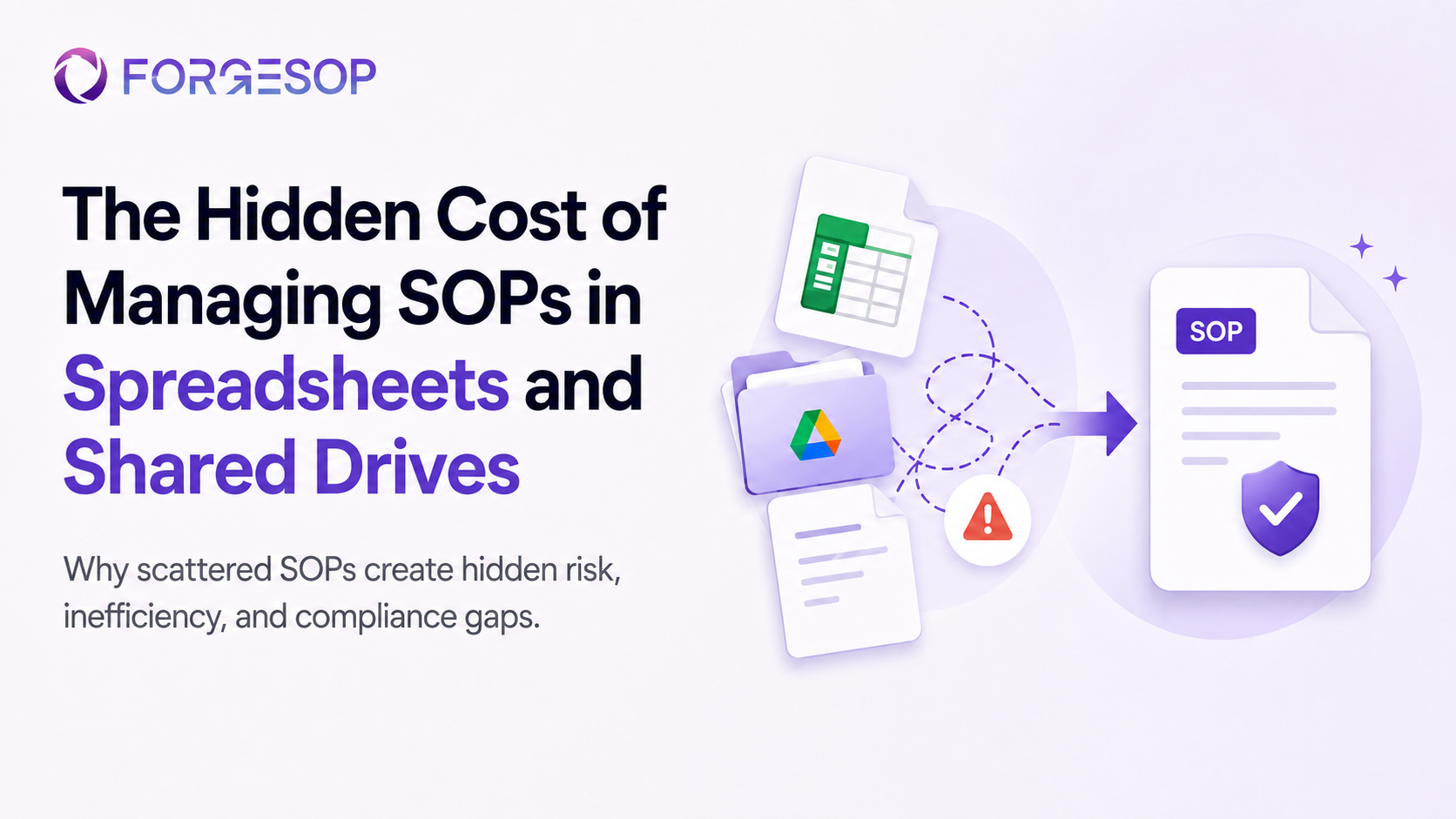
The Hidden Cost of Managing SOPs in Spreadsheets and Shared Drives
Many organizations start managing SOPs in the simplest way possible: a spreadsheet to track procedures and a shared drive to store the documents.
At first, this feels practical. It is familiar, low-cost, and easy to set up.
But as the organization grows, this system becomes harder to control. More people create documents. More processes change. More teams need access. More audits require evidence. Eventually, the spreadsheet becomes outdated, the shared drive becomes cluttered, and no one is fully confident which SOP is the latest version.
That is where the hidden cost begins.
Managing SOPs in spreadsheets and shared drives may seem inexpensive, but the operational risk, compliance gaps, and lost time can become much more expensive over time.
Key Takeaway:
Spreadsheets and shared drives may work at first, but they become difficult to manage as teams, processes, and compliance needs grow.
Poor SOP management can lead to outdated procedures, missed approvals, inconsistent work, and audit gaps.
The real cost is not just time spent searching for documents. It is the risk of teams following the wrong process.
Digital SOP management helps teams control versions, approvals, access, training records, and audit evidence in one place.
Moving from scattered files to a structured SOP management system gives operations, safety, and quality teams better visibility and control.
Why Teams Rely on Spreadsheets and Shared Drives
Spreadsheets and shared drives are common because they are easy to start with. Most teams already use them, and they do not require a new tool or implementation process.
A spreadsheet can track SOP names, owners, review dates, and approval status. A shared drive can store PDFs, Word documents, checklists, and supporting resources.
For small teams with a limited number of procedures, this may be manageable.
The problem begins when SOP management becomes more complex. When multiple departments, locations, shifts, or approval layers are involved, spreadsheets and folders quickly become difficult to maintain.
What once felt simple becomes a source of confusion.
The Hidden Costs of Spreadsheet-Based SOP Management
The cost of poor SOP management is not always visible at first. It often shows up slowly through small delays, repeated mistakes, and inconsistent work.
Over time, these issues can affect productivity, compliance, safety, and audit readiness.
1. Time Lost Searching for the Right Document
When SOPs are stored across shared folders, email attachments, local desktops, or different department drives, employees spend unnecessary time searching for the right file.
Even when they find a document, they may still question whether it is current.
Is this the approved version?
Was it updated after the last process change?
Is there a newer file in another folder?
Did someone download and edit a local copy?
These small moments add up. Instead of focusing on the task, employees lose time confirming information that should be easy to access.
For operations and safety teams, this creates friction in daily work. For quality and compliance teams, it creates uncertainty during reviews and audits.
2. Version Control Problems
Version control is one of the biggest challenges with spreadsheet and shared drive SOP management.
When documents are copied, renamed, downloaded, emailed, or edited outside a controlled system, it becomes difficult to know which version is official.
Teams may end up with files named:
SOP_Final
SOP_Final_Updated
SOP_Final_v2
SOP_Approved_New
SOP_Reviewed_Latest
This may look harmless, but it creates real operational risk.
If one team follows an outdated procedure while another follows the updated version, the organization loses consistency. In safety, quality, or compliance-sensitive environments, that inconsistency can lead to incidents, errors, audit findings, or process failures.
A strong SOP management system should make the latest approved version clear and accessible to the right people.
3. Missed Reviews and Expired SOPs
SOPs are not meant to be written once and forgotten. They need to be reviewed regularly, especially after incidents, audits, equipment changes, process updates, or regulatory changes.
In spreadsheet-based systems, review dates are often tracked manually. Someone has to remember to check the file, follow up with owners, request updates, and record the outcome.
This creates room for missed reviews.
An expired or outdated SOP may stay in circulation simply because no one noticed it needed attention. When this happens, teams may continue following procedures that no longer reflect the actual process.
This affects both compliance and operational control.
4. Approval Gaps
SOPs usually need input from different people: process owners, safety teams, quality teams, supervisors, or compliance managers.
In shared drives, approvals are often handled through email threads, comments, file names, or informal messages. This makes it difficult to prove who reviewed the SOP, who approved it, when changes were made, and why those changes happened.
During an audit, this becomes a problem.
It is not enough to say that a procedure was approved. Teams need to show a clear record of approval, ownership, revision history, and control.
Without a structured approval workflow, SOP governance becomes weak and difficult to defend.
5. Inconsistent Processes Across Teams
When SOPs are difficult to access or manage, employees may rely on memory, old habits, or local versions of a process.
This leads to variation.
One shift may complete a task one way. Another site may follow a slightly different method. A new employee may learn the process from a colleague instead of the approved SOP.
This creates inconsistency across the organization.
Inconsistent work can affect safety, quality, productivity, customer experience, and compliance. It also makes it harder to improve processes because there is no single controlled standard to work from.
6. Poor Audit Readiness
Audits become more stressful when SOPs, approvals, training records, checklists, evidence, and corrective actions are scattered across different systems.
Teams may spend days preparing for an audit by searching folders, confirming document versions, collecting screenshots, checking review dates, and chasing missing approvals.
This creates unnecessary pressure.
A more controlled system allows teams to stay audit-ready throughout daily operations, instead of preparing only when an audit is approaching.
Audit readiness should not depend on last-minute file hunting.
7. Limited Visibility for Managers
Spreadsheets can show a list of SOPs, but they rarely give managers a clear real-time view of process health.
Leaders may not easily know:
-Which SOPs are overdue for review
-Which procedures are still awaiting approval
-Which employees have acknowledged a procedure
-Which checklists are incomplete
-Which actions are overdue
-Which CAPAs are linked to a process issue
Without this visibility, teams become reactive. Problems are discovered late, and managers spend more time following up manually.
For operations, safety, and quality leaders, visibility is essential for control.
Why “Free” Tools Become Expensive Over Time
Spreadsheets and shared drives may appear cost-effective because they do not require a separate software subscription.
But the true cost is often hidden in operational inefficiency.
The cost shows up in time spent searching, duplicated work, missed reviews, repeated errors, inconsistent processes, audit preparation, and weak accountability.
It also shows up in risk.
If an employee follows the wrong version of a procedure, the result may be more serious than a documentation issue. It could lead to a safety incident, quality failure, non-compliance, equipment damage, or customer impact.
This is why SOP management should not be treated as simple file storage. It is part of operational control.
What Better SOP Management Looks Like
A stronger SOP management system gives teams one controlled place to create, review, approve, update, and access procedures.
Instead of managing SOPs through disconnected spreadsheets and folders, teams can use a digital SOP management platform to improve structure and visibility.
A better system should support:
Centralized SOP storage
Version control
Approval workflows
Review reminders
Role-based access
Searchable documents
Training acknowledgments
Checklist connections
Audit trails
CAPA and incident links
Real-time process visibility
This helps teams move from document storage to process control.
How Digital Systems Helps Teams Move Beyond Spreadsheets
Digital SOP systems such as ForgeSOP is built for Safety, Processes, and Operations.
It helps teams manage SOPs, checklists, audits, incidents, investigations, CAPAs, resources, and operational records from one connected platform.
Instead of tracking SOPs in one spreadsheet, storing files in another folder, and managing follow-up actions through email, teams can bring these workflows together.
With ForgeSOP, organizations can create and manage SOPs, assign ownership, track approvals, maintain version history, run checklists, report incidents, manage CAPAs, and keep records audit-ready.
This gives teams better control over how work is documented, followed, reviewed, and improved.
When Should You Move Away from Spreadsheets?
A spreadsheet-based SOP system may be enough in the beginning. But there are signs that your team has outgrown it.
You may need a digital SOP management system if:
Employees are unsure which SOP version to follow.
SOP reviews are often missed or delayed.
Approvals are handled through email or informal messages.
Audit preparation takes too much time.
Different teams follow different versions of the same process.
Documents are difficult to find on mobile or during daily work.
Managers lack visibility into process status.
Incidents or audit findings lead to repeated SOP updates.
You need better links between SOPs, checklists, CAPAs, and evidence.
When these problems start appearing regularly, the cost of staying with spreadsheets may be higher than the cost of changing.
Final Thoughts
Spreadsheets and shared drives are useful tools, but they were not designed to manage controlled SOP systems at scale.
As organizations grow, SOP management needs more structure. Teams need clear ownership, current versions, approval records, review cycles, access control, and audit-ready evidence.
The hidden cost of managing SOPs in scattered files is not just administrative work. It is the loss of control over the processes that keep operations safe, consistent, and compliant.
A digital SOP management platform helps teams move from scattered documentation to connected process management.
For organizations that depend on reliable procedures, that shift can make daily work easier to follow, easier to improve, and easier to prove.
Frequently Asked Questions
Why are spreadsheets not ideal for SOP management?
Spreadsheets can help track SOPs, but they do not provide strong version control, approval workflows, automated review reminders, audit trails, or real-time visibility. As teams grow, this can create confusion and compliance risk.
What is the risk of storing SOPs in shared drives?
Shared drives can become cluttered and difficult to control. Teams may access outdated files, duplicate documents, or local copies without knowing which SOP is the latest approved version.
What is digital SOP management?
Digital SOP management is the use of software to create, review, approve, store, update, and track SOPs in a controlled system. It helps teams manage versions, approvals, access, training records, and audit readiness.
How does SOP management software improve compliance?
SOP management software improves compliance by keeping procedures controlled, current, searchable, approved, and supported by clear records. It also helps teams maintain evidence for audits and reviews.
When should a company stop using spreadsheets for SOPs?
A company should consider moving away from spreadsheets when SOPs become difficult to track, reviews are missed, approvals are unclear, audits take too long to prepare for, or teams are unsure which version of a procedure to follow.
Can ForgeSOP replace spreadsheets and shared drives for SOP management?
Yes. ForgeSOP helps teams manage SOPs, checklists, audits, incidents, CAPAs, resources, and operational records in one connected platform, reducing the need for scattered spreadsheets, folders, and manual tracking.
General

Forge better processes
One platform. Always audit-ready.
Bring SOPs, checklists, audits, incidents, and CAPAs into one connected system for safer, clearer, and more consistent operations.
No credit card required · Built for teams that run on process